
🔥 Top Pokies at Slotonauts













Slotonauts on Mobile: Everything in Your Browser, Nothing to Download
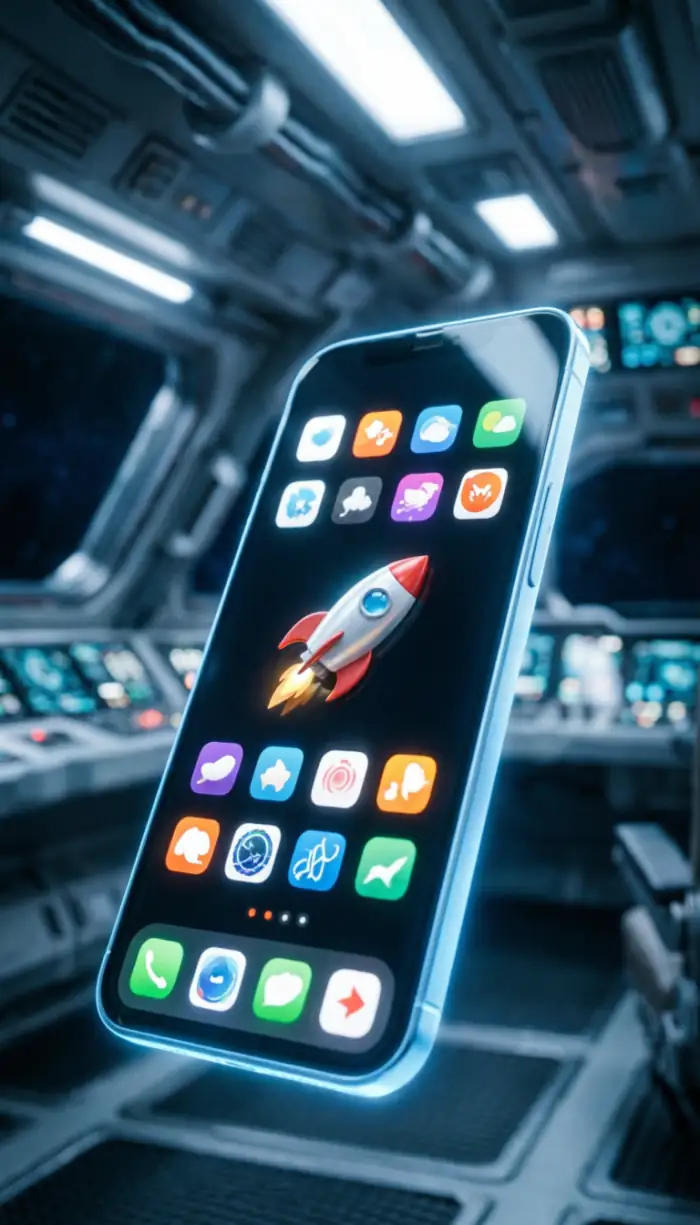
Slotonauts runs as a progressive web app - the full library of 3,700+ games, the complete cashier, live dealer tables, and your VIP progress, all available through your phone's browser. No app store, no large download, no manual updates. Add it to your home screen and you have one-tap access to everything, indistinguishable from a native app in day-to-day use.
New players can claim the 100 Free Spins No Deposit + 175% Welcome Match from mobile registration - the offer is identical to desktop. View the full welcome terms before you deposit.
Installing the PWA
Installation takes under 30 seconds on either platform. The process differs slightly between iPhone and Android due to how each operating system handles browser-based apps.
iPhone - Safari Only
- Open Safari and navigate to the Slotonauts site.
- Tap the Share button - the square with an upward arrow at the bottom of the screen.
- Scroll the menu and select Add to Home Screen.
- Tap Add to confirm. The icon appears on your home screen immediately.
Safari is the only browser on iOS that supports full PWA installation. Chrome and Firefox on iPhone can access the site but will not create the same integrated home screen shortcut. If you normally browse with Chrome, switch to Safari just for this step - you can return to Chrome afterwards.
Android - Chrome Recommended
- Open Chrome and visit the Slotonauts site.
- Tap the three-dot menu in the top right corner.
- Select Add to Home Screen or Install App.
- Tap Add to confirm. The icon appears on your home screen or app drawer.
Newer versions of Samsung Internet and Edge also support PWA installation on Android. Firefox on Android does not offer the same level of integration, so Chrome remains the safest choice.
If you previously installed an older version of the Slotonauts PWA, remove it from your home screen first - long-press the icon and select delete - then reinstall using the steps above. Your account data, balance, and game history are stored on our servers, not locally, so nothing is lost during reinstallation.
| Detail | Specification | What It Means for You |
|---|---|---|
| App type | Progressive Web App (PWA) | No app store download needed |
| Install size | Initial cache 8–12 MB | Minimal storage impact |
| iOS compatibility | iOS 15.4 or higher | iPhone 8 and newer |
| Android compatibility | Android 8.0 or higher | Most devices from 2017 onward |
| Average load time | 1.8 sec on 4G / 0.9 sec on 5G | Near-instant game access |
| Offline capability | Account view only | Check balance without a connection |
| Updates | Automatic background cache refresh | Always current, no manual action needed |
Performance on NZ Networks
The platform has been tested across Spark, One NZ, and 2degrees to confirm consistent performance on all three. Standard pokies consume roughly 3–5 MB of data per hour - modest enough for most monthly plans. Live dealer games stream video in real time and use 30–40 MB per hour, with quality adjusting automatically to your signal strength so buffering stays rare even on weaker 4G connections.
5G makes a noticeable difference for players in Auckland, Wellington, and Christchurch. Game load times drop from roughly four seconds on 4G to under two on 5G, and live dealer streams maintain higher resolution more consistently. On rural connections or 3G, the platform scales down gracefully - pokies continue to run cleanly even when live dealer quality reduces.
The PWA handles network transitions without dropping your session. Moving from Wi-Fi to mobile data mid-spin - common when leaving home - does not interrupt play. The app reconnects in the background and picks up where it left off.
Touch Controls and Screen Layout
Every interactive element is sized for thumb use. Spin buttons, bet adjusters, and cashier controls sit at comfortable tap targets with enough spacing to prevent accidental presses. Swipe gestures move you between lobby categories; pinch-to-zoom works on live dealer tables when you want a closer view of the felt.
The interface rotates automatically. Portrait mode suits lobby browsing and account management; landscape mode gives pokie reels more room and is how most games display best. Switching orientation mid-session is seamless - the game does not reset.
On iPad and larger Android tablets, the lobby expands to show more tiles per row and live dealer tables display at a scale that genuinely improves the experience over a phone screen. Two games can be run side by side in split-screen view on supported tablets.
Demo Mode on Mobile
Every pokie includes a practice version accessible without wagering real money. Tap the game title in the lobby and you will see two options - Play for Real and Try Demo. Demo mode runs on the same game engine as real money play; RTP percentages, volatility, and bonus trigger rates are identical. This is useful for learning a game's mechanics before committing funds, particularly for high-volatility Megaways titles where the bonus round structure matters a lot to how you should size your bets.
Security on Mobile
Login on mobile supports Face ID and fingerprint authentication after your first manual sign-in. Your biometric data never leaves your device - only a confirmation token reaches our servers. The account auto-logs out after 15 minutes of inactivity, protecting your balance if you set the phone down and forget about it.
If a login attempt comes from an unrecognised device or unusual location, a verification code is sent to your registered mobile before access is granted. This applies whether you are on Spark roaming or a new phone - the extra step takes seconds and ensures only you can reach your account.
| Method | Security Level | Setup Time | Works Without Signal |
|---|---|---|---|
| SMS code | Standard | Instant | No - requires network |
| Email verification | Basic | Instant | No - requires data |
| Authenticator app | High | 2–3 minutes | Yes - generates codes locally |
| Biometric (Face / Fingerprint) | High | Quick enable in settings | Yes - uses device sensors |
| Device recognition | Moderate | Automatic after first login | Partial - verifies on reconnect |
| Security questions | Basic | Set during registration | No - requires server check |
Banking on Mobile
The full cashier is available on mobile with no features removed. POLi connects directly to your ANZ, ASB, BNZ, or Westpac internet banking app - funds land in your Slotonauts balance within minutes and the process involves fewer steps on mobile than desktop because your banking app is likely already logged in. Paysafecard, Visa, Mastercard, and cryptocurrency deposits all work identically across mobile and desktop. View all payment methods and withdrawal timelines.
VIP Progress on Mobile
Every spin on mobile contributes to your VIP tier progression exactly the same way desktop play does. Points accumulate in real time, cashback credits automatically each Monday, and tier upgrades apply instantly. Your dashboard on mobile shows the same wagering progress bars and bonus status as desktop - there is no lag between platforms and no need to switch to a computer to check where you stand. Log in to check your current VIP status and active bonuses.
Frequently Asked Questions
Does Slotonauts work properly on Safari for iOS?
Yes. Safari provides the best experience on iPhone and iPad and is required for PWA installation. All games in the library are tested on Safari before being added to the lobby. Chrome and Firefox on iOS can access the site but do not support the full home screen installation.
What happens if I need to reinstall the Slotonauts PWA?
Remove the icon from your home screen, visit the site in Safari or Chrome, and add to home screen again. Your account data, balance, game history, and VIP progress are all stored on our servers - reinstalling the shortcut does not affect any of it. Log in with your usual credentials and everything is exactly as you left it.
Can I use Apple Pay or Google Pay for deposits?
When you select card payment at the cashier, your device will prompt you to authenticate with Face ID, fingerprint, or PIN if you have a card saved in your digital wallet. This gives you the convenience of Apple Pay or Google Pay while meeting casino payment processing requirements.
How do I update Slotonauts manually?
You do not need to. The PWA updates automatically in the background when you are connected to Wi-Fi. The next time you launch the app after an update, you are already on the latest version. If you want to force an immediate refresh, you can reinstall the PWA, but this is rarely necessary.
Can I lock the Slotonauts app with a PIN?
The PWA uses your device's own security rather than a separate in-app PIN. Enable Face ID, fingerprint recognition, or your phone's lock screen to protect access. Device-level security is more robust than an app-specific PIN because it uses hardware-level protection built into your phone.
How does live dealer gaming work on small phone screens?
Live dealer interfaces adapt automatically to mobile screens. The video stream resizes to your display while keeping cards, wheels, and dealer actions clearly visible. Betting buttons increase in size on smaller screens to prevent accidental taps. The experience works well on phones 5.5 inches or larger; smaller screens can feel tight during multi-hand blackjack.
Can I switch payment methods in the mobile cashier?
Yes. Each deposit is independent - you can use POLi one session and Paysafecard the next. Withdrawal options are linked to your deposit history for security purposes, so the methods you have used for deposits are what you can withdraw to.
Does the Slotonauts app have access to my contacts or photos?
The PWA only requests permissions you explicitly grant. When uploading verification documents, you will see a prompt to access your camera or photo library for that specific upload. Slotonauts never accesses contacts, call logs, or SMS messages. All permissions are handled through your phone's standard privacy controls.
What is the difference between a native app and the Slotonauts web app?
Native apps download from app stores and install as traditional applications. The Slotonauts PWA installs directly from the browser, uses a fraction of the storage, and updates automatically without app store approval. Apple and Google restrict real-money gambling apps in their New Zealand stores, so the PWA is not only more convenient - it is the practical path to full functionality on mobile.
How do I download the Slotonauts app for Android?
Open Chrome on your Android device, visit the Slotonauts site, tap the three-dot menu in the top right, and select Add to Home Screen. Confirm by tapping Add. The icon appears on your home screen or in your app drawer. Installation takes under 30 seconds and requires no app store account.